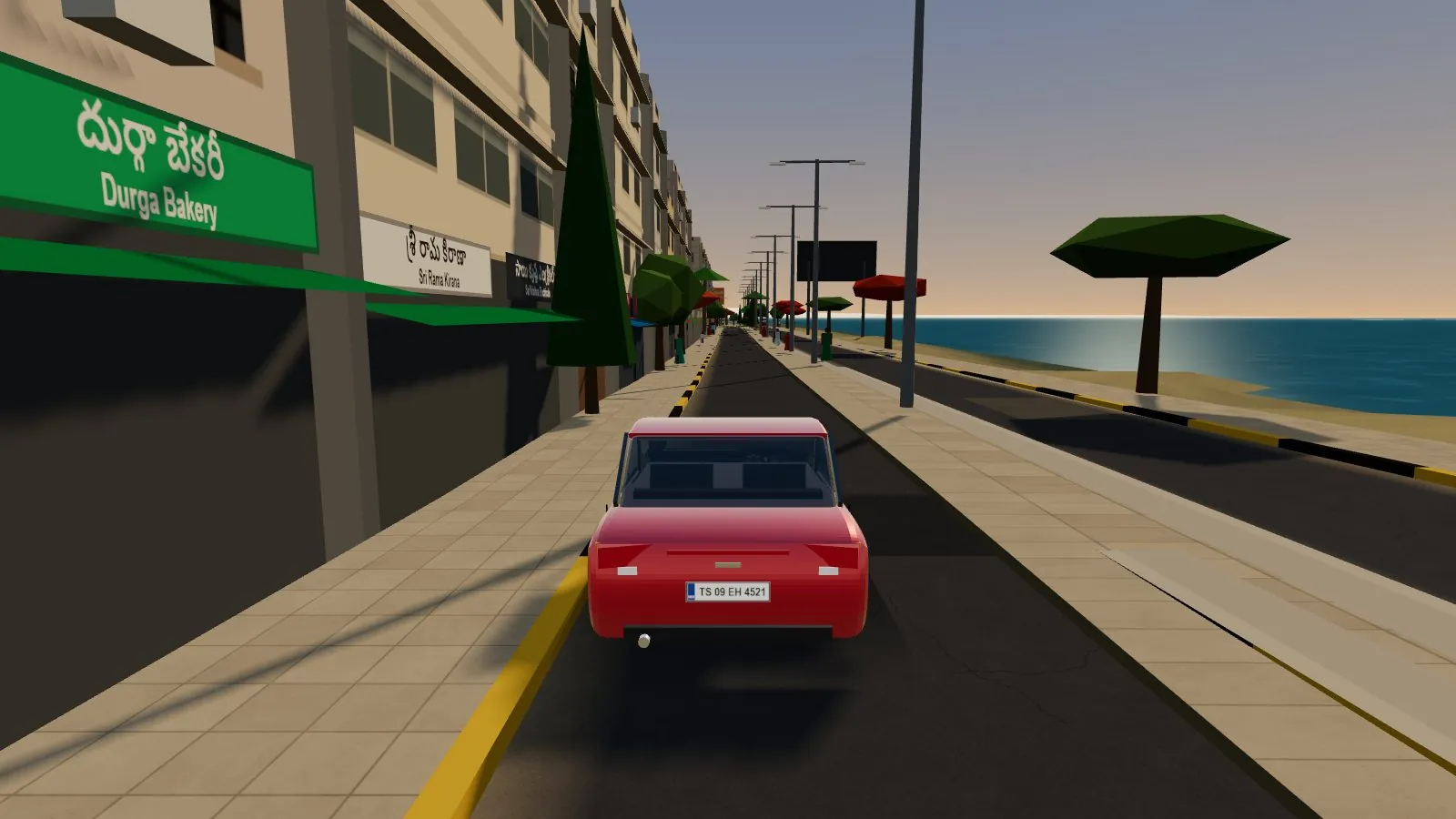
Sawari is now on phones and tablets: practise Hyderabad roads anywhere
Sawari, the free Hyderabad driving simulator, now plays on phones and tablets as well as laptops and PCs. How the touch controls work and tips for a smooth drive.
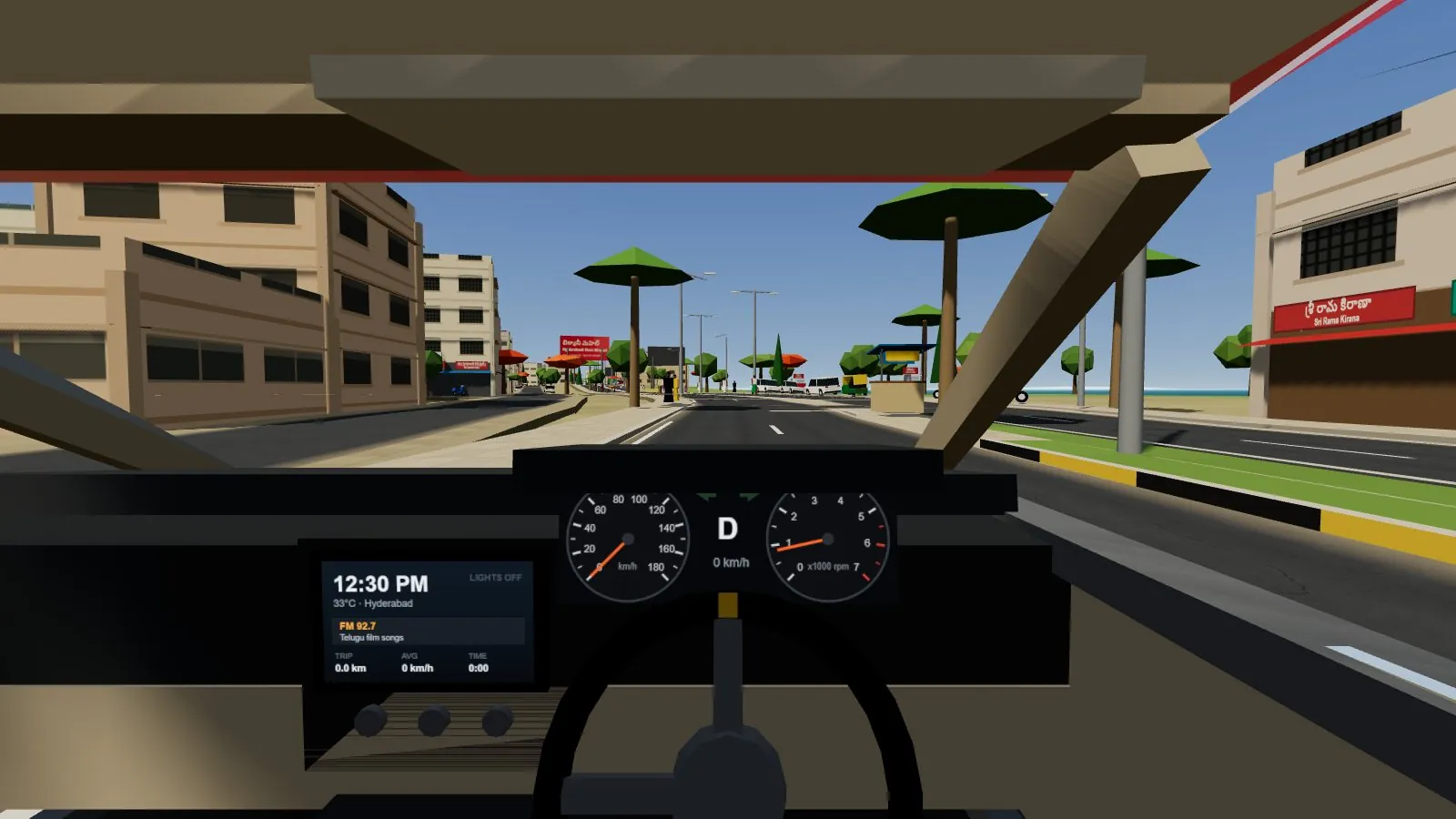
Sawari, the free driving simulator built on real Hyderabad roads, now plays on phones and tablets as well as laptops and PCs. Open it in your browser, hold the device sideways and you are on Tank Bund, at the Charminar or crossing the Durgam Cheruvu cable bridge in seconds.
Until now Sawari asked phone visitors to come back on a computer. Most people in India browse on a phone, so that shut the door on most of the people we built it for. From version 1.6.0, every device can drive.
How to start a drive on your phone
- Open the simulator in Chrome, Safari or another modern browser.
- Pick a route. If this is your first drive, start with Tank Bund Road: it is wide, nearly straight and has no turns.
- Tap Start driving at the bottom of the screen.
- Hold the phone sideways. On Android the game goes full screen and stays in landscape. On an iPhone, just turn it.
There is no app to download and nothing to sign up for. Your settings and your best score on each route are kept in your browser.
The touch controls
| Where | Control | What it does |
|---|---|---|
| Bottom left | Steering wheel | Put your thumb on the wheel and turn it, as you would a real one. It turns as far as 150 degrees each way for full lock, and when you let go it spins back to the centre as the car straightens. |
| Either side of the wheel | Left and right arrows | Your indicators. They light up while they are on and cancel themselves after the turn, just like a real car. |
| Bottom right | GO | The accelerator. Hold it to drive. |
| Bottom right | BRAKE | Hold to slow down. Hold it when you are stopped to select reverse. |
| Middle of the wheel | Horn | Press and hold the centre of the steering wheel, as in a real car. |
| Top right | View, lights, back to route, pause | The eye switches between the chase view and the driver's seat. ↺ puts you back on the route if you get lost. |
Prefer the wheel on the right? Choose Steering wheel on: Right in the options on the start page, and the wheel and the pedals swap sides. Everything else stays where it is.
You can also drag on the open road to look around, which is handy before a lane change, since the car has no mirrors.
Tips for a smooth drive on a phone
- Start light. On your first visit the phone version picks Fast graphics and Normal traffic. If your phone keeps up, try Busy or Dense traffic later.
- Use two thumbs. One thumb on the wheel, the other on GO and BRAKE. Rest your right thumb between the two pedals so you can switch quickly, as your foot does in a car.
- Steer gently. Most lane keeping needs only a small turn of the wheel. Full lock is for junctions and U-turns.
- Signal early. Tap the arrow before the turn, not in it. The debrief marks a missed indicator. Our guide to indicators and lane discipline explains why it matters on Hyderabad roads.
- Sound on. Spoken directions and the engine note help a lot. Tap once on the screen if you hear nothing at first; phones only start sound after a tap.
Tablets, laptops and PCs
On an iPad or Android tablet you get the same controls, sized up for the bigger screen, with more of the road in view. On a laptop or desktop nothing changes: drive with the arrow keys or WASD, indicators on Q and E, or plug in a gamepad. A PC with a bigger screen can turn on the High graphics setting for sharp sun shadows.
Practice, not a test
Whatever you play on, Sawari is a practice simulator. It helps you learn lane discipline, signals and the feel of real Hyderabad streets before you meet them, but it does not replace lessons with a licensed instructor or the RTA test. Read more about what a simulator can and cannot teach in our guide to free online driving simulators.
Ready? Open Sawari on your phone and take a lap of Tank Bund.
Frequently asked questions
Can I play Sawari on my phone?
Yes. Open the Sawari website in your phone's browser, tap Start driving and hold the phone sideways. You steer by turning an on-screen steering wheel with your thumb and drive with GO and BRAKE pedals.
Do I need to download an app?
No. Sawari runs in the browser on phones, tablets, laptops and PCs. There is nothing to install and no sign-up.
Which phones does it work on?
It needs a reasonably recent phone with a modern browser such as Chrome or Safari. On an older or slower phone, choose Fast graphics and lighter traffic on the start page.
Can I play in portrait?
No. The drive needs the phone held sideways, like the view through a windscreen. If you turn the phone upright, the drive pauses and asks you to turn it back.
Sawari is a practice simulator. It does not replace lessons with a licensed instructor or the official RTA test. Always follow the signs, signals and traffic police on the real road.