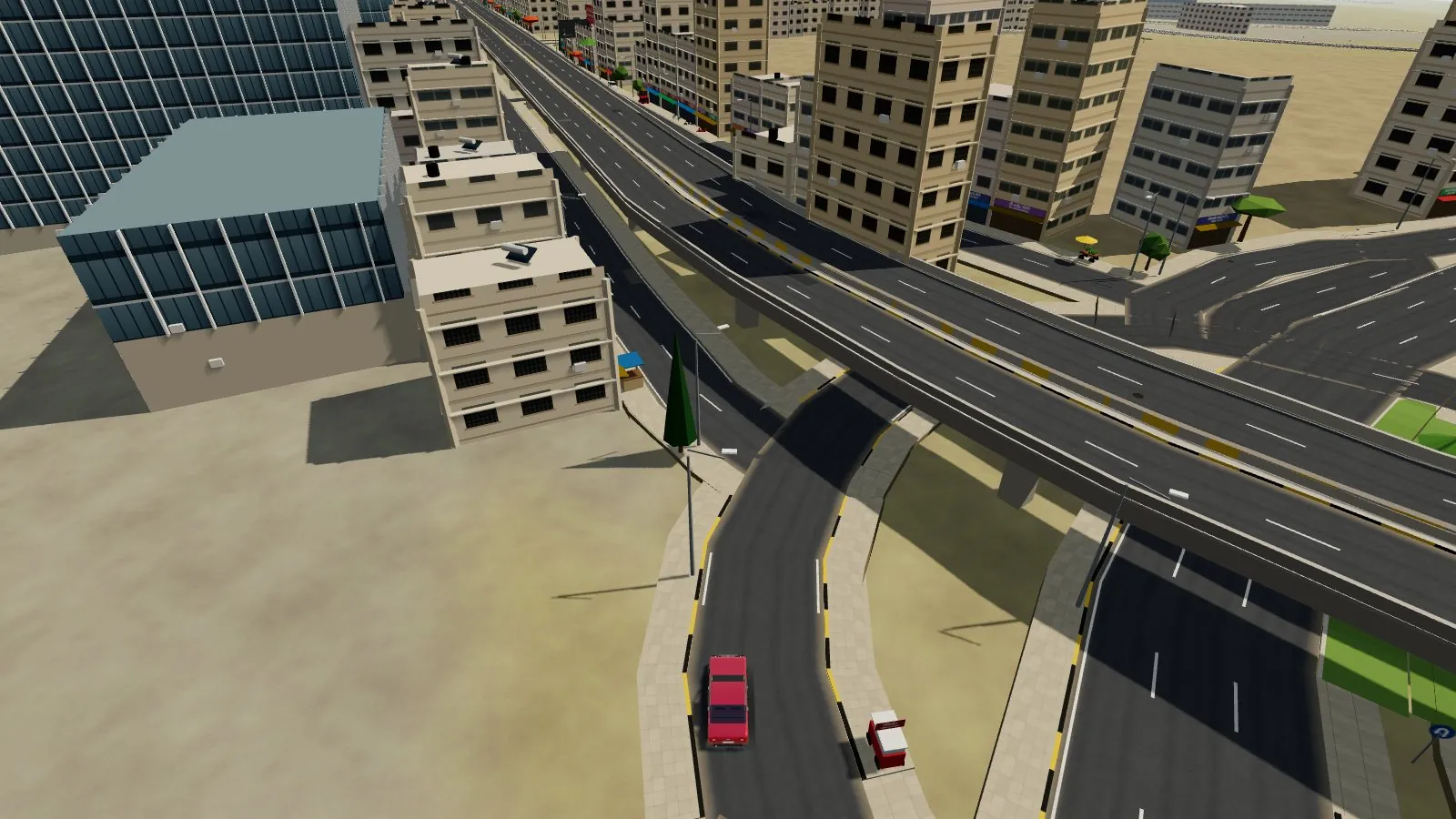
Sawari 1.6.0: play on phones and tablets
Sawari 1.6.0 brings the Hyderabad driving simulator to phones and tablets, with touch steering, GO and BRAKE pedals, landscape play and lighter graphics for phones.
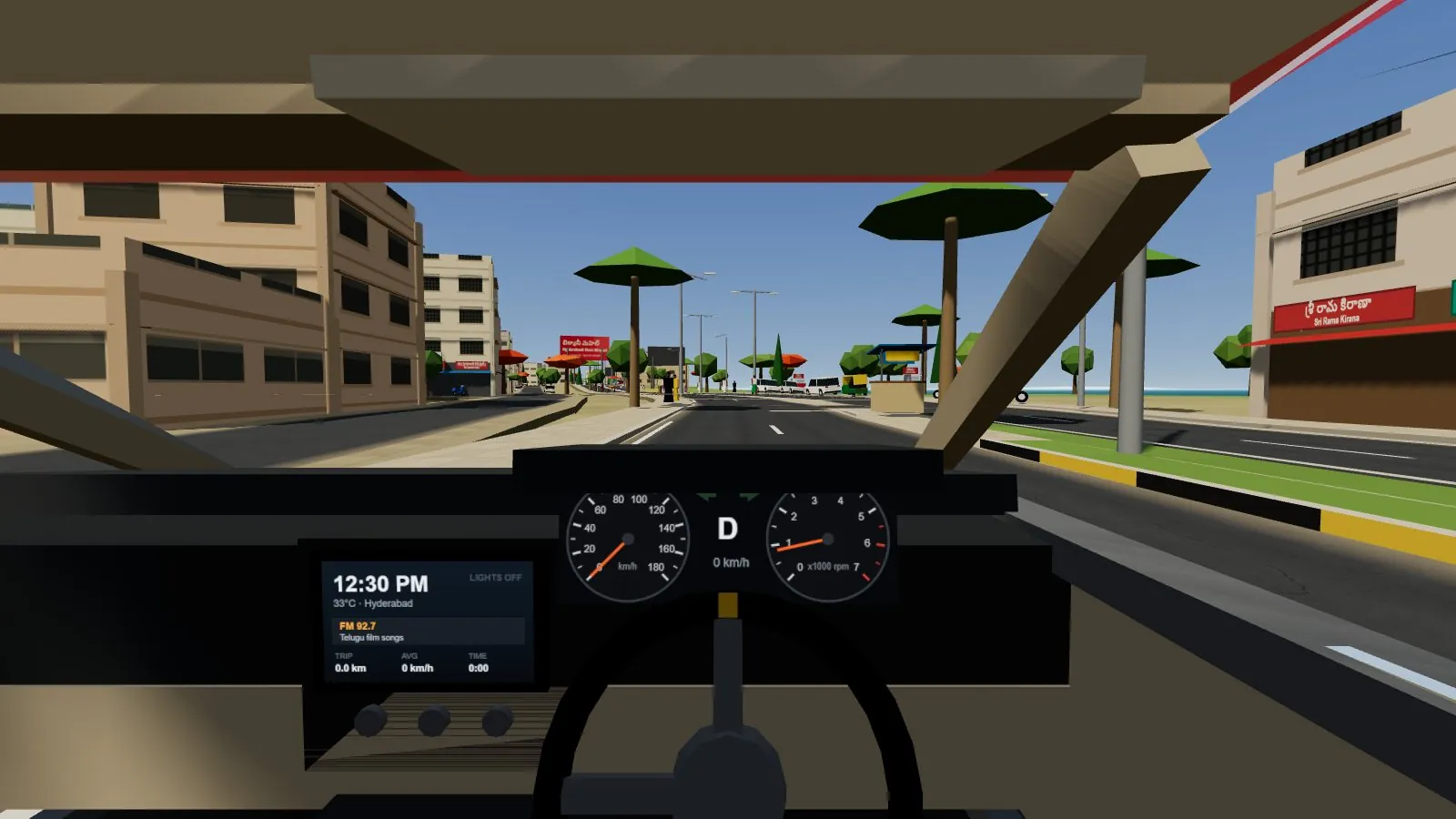
Version 1.6.0 opens Sawari to phones and tablets. Until now they saw a "use a desktop or laptop" page; now they can drive every route, with controls made for touch.
Touch controls
- A steering slider at the bottom left: drag the knob to steer, let go and the wheel straightens. Fine near the middle, full lock at the ends.
- Left and right indicator buttons above it, lit while they are on, cancelling themselves after the turn.
- GO and BRAKE pedals at the bottom right. Hold BRAKE when stopped to select reverse, as on the keyboard.
- Horn, view, headlights, back to the route and pause at the top right.
Made for landscape
- On Android, Start driving goes full screen and keeps the phone in landscape.
- Hold the phone upright and the drive pauses and asks you to turn it sideways.
- The speed cluster, directions and messages rearrange themselves around the controls.
Every screen size
- Checked on small Android phones, iPhones, large phones and iPads. Tablets get bigger controls.
- On phones and tablets the Start driving button stays at the bottom of the screen while you scroll through the routes and options.
- Phones draw the city at a lighter resolution, and a phone's first visit starts with Fast graphics and Normal traffic, so drives stay smooth.
- Sound starts on your first tap, as phones require.
Laptops and PCs
Nothing changes: keyboard and gamepad work as before.
Try it
Read how to play Sawari on a phone or tablet, or just open the simulator on your phone.
Sawari is a practice simulator. It does not replace lessons with a licensed instructor or the official RTA test. Always follow the signs, signals and traffic police on the real road.