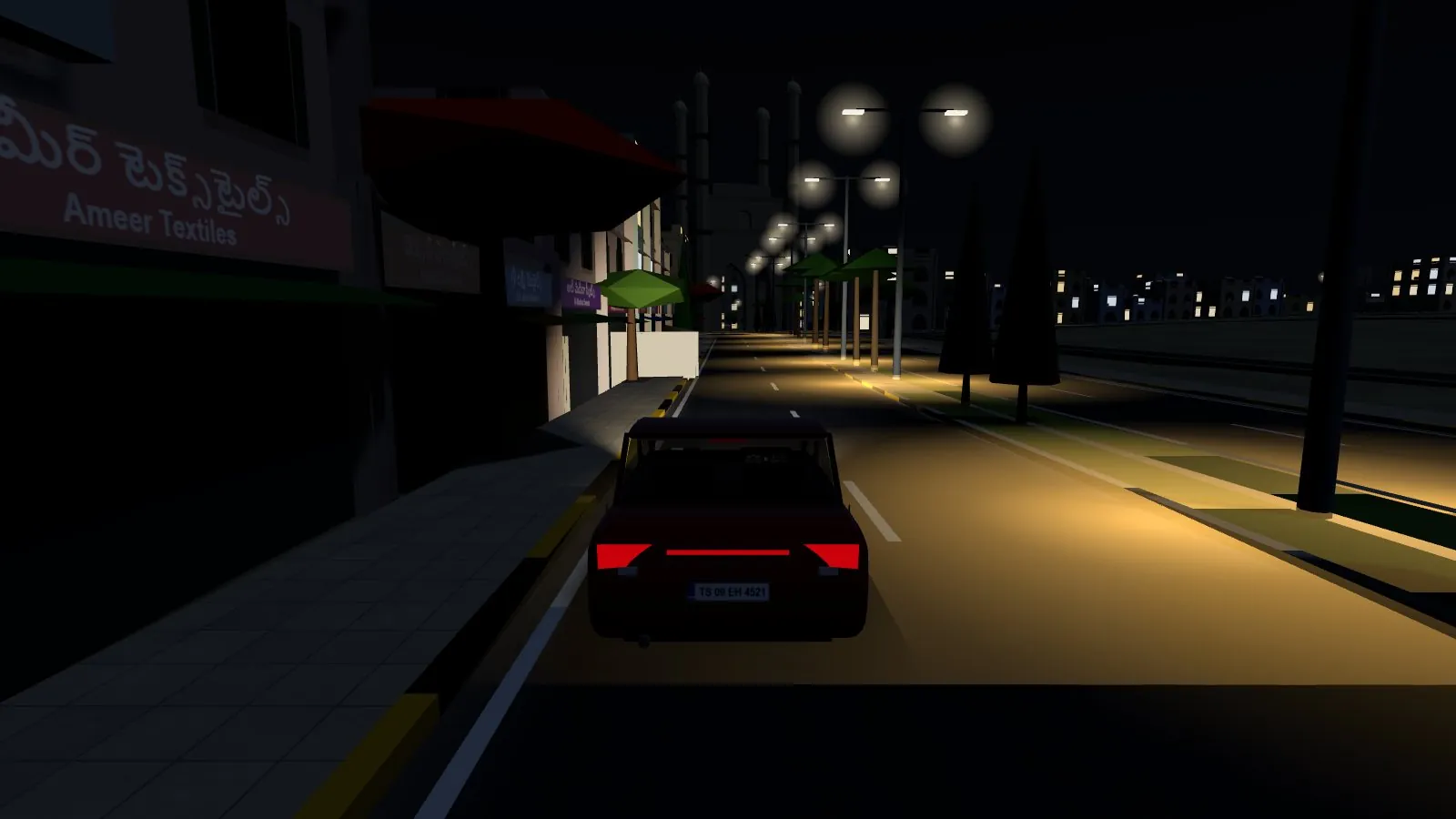
Driving on flyovers in Hyderabad: ramps, lanes, merging and gradients
Driving on flyovers in Hyderabad, from the PV Narasimha Rao Expressway to junction flyovers: lane choice before the ramp, gradients, merging and no stopping.
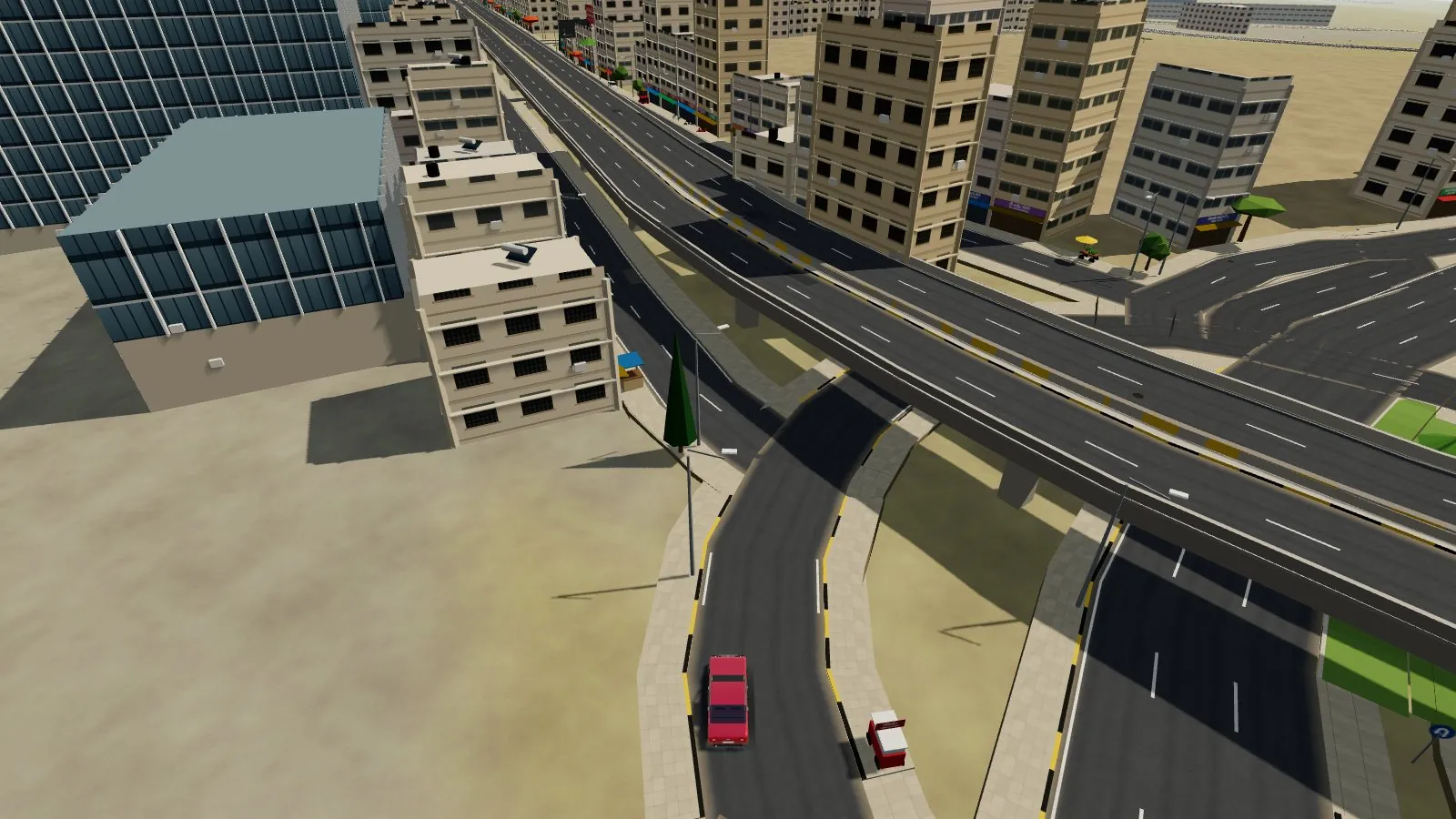
Driving on flyovers in Hyderabad is mostly simple: you pick the right lane before the ramp, hold a steady speed, keep your distance and never stop. Most mistakes happen in the last hundred metres before a ramp, when drivers realise too late that they wanted the road below.
Hyderabad's flyovers at a glance
Hyderabad has built a lot of elevated road. The best known is the PV Narasimha Rao Expressway, about 11.6 km of elevated road on pillars from Mehdipatnam towards Aramghar. It carries traffic over the busy roads below and links the city with the road to Rajiv Gandhi International Airport at Shamshabad.
Most of the city's flyovers are shorter: single or double spans that lift through traffic over a busy junction, with a service road and signal below for traffic that wants to turn. Many newer ones were built under the state's Strategic Road Development Plan, especially across the IT corridor around HITEC City and Gachibowli.
Then there are bridges that are not flyovers but drive like them, such as the Durgam Cheruvu cable bridge between Madhapur and Jubilee Hills. The same rules apply on all of them.
Choose your lane before the ramp
A flyover splits the road in two. The ramp takes you up and over the junction; the service road beside it takes you down to the signal, where you can turn. Once you are on the wrong one, there is no way across.
- Know where you are going before you reach the junction. If you want to turn at it, you almost always want the road below. If you are going straight through, you usually want the ramp.
- Read the overhead and roadside signs. They tell you where the flyover lands, and that is not always obvious.
- Move across early. Check, signal, and change lanes well before the point where the ramp and service road divide. Our guide to indicators and lane discipline covers how.
- Never cut across the chevrons. The striped wedge at the start of the ramp is there because vehicles do not belong there. If you have missed it, take the road you are on and find another way back.
Do not stop or slow sharply at the split to decide. Traffic behind you expects you to keep moving. A wrong choice costs a few minutes and a U-turn further on.
Gradients: going up and coming down
Ramps are steeper than most city roads. On the way up, a heavily loaded car, an auto or a lorry will slow down, sometimes a lot. Leave a good gap so you are not forced to stop on the slope. If you drive a manual, be ready to change down a gear early rather than letting the engine labour.
At the top, you often cannot see what is beyond the crest. Traffic may have stopped at the landing, or a broken-down vehicle may be just over the top. Do not overtake approaching a crest, and keep your speed down until you can see the way ahead.
On the way down, gravity is on your side, which is the problem. Ease off the accelerator early and let your speed settle before the landing, because there is often a junction, a bus stop or a speed breaker soon after the bottom of the ramp. Watch for brake lights on the road ahead.
Curves on elevated roads
Some flyovers curve as they turn over a junction, and those curves can be tighter than they look from the approach. There is no verge to run onto and only a parapet beside you. Slow down before the curve, not in it, and respect any speed limit posted on the flyover itself.
Merging at the landing
The end of a flyover is a merge: you rejoin traffic from the service road, often with buses and autos pulling in at the same point. Some flyovers also have slip roads joining part way along.
- Coming off the flyover, stay in your lane, look left for vehicles from the service road and be ready to take turns.
- Joining from a slip road, build up speed on the slip, signal right, look over your shoulder and fit into a gap. Do not stop at the end of the slip unless the traffic forces you to.
- If you are on the flyover and see someone trying to merge, ease off a little or move right if it is safe. A smooth merge helps everyone behind you too.
No stopping, no reversing, no photos
Flyovers usually have no hard shoulder and no footpath worth the name. A stopped car blocks a live lane on a road where nobody expects it. Do not stop for any reason except a real breakdown or emergency, and never stop to take photos or enjoy the view. The cable bridge in particular draws people at night for pictures; enjoy it from the footpaths and viewpoints meant for that, not from the carriageway.
If you do break down, switch on your hazard lights, get everyone out on the side away from traffic if it is safe to do so, and call for help. Never reverse back down a ramp because you went up the wrong one.
Night and rain
Elevated roads catch more wind and can feel exposed in heavy rain. Water also runs down ramps and collects at the bottom, where it hides potholes. Slow down, leave a longer gap and use dipped headlights. Our posts on night driving and monsoon driving have more.
Practising flyovers in Sawari
Sawari is a free browser driving simulator on real Hyderabad roads, built from OpenStreetMap with real elevation data, so its flyovers rise and fall the way the ramps do. The Cyber Towers to Jubilee Hills route is the one to practise on. It runs from Cyber Towers past Inorbit Mall, across the Durgam Cheruvu cable bridge and along Road No. 36, with flyover ramps, lane choice before the bridge and merging traffic at Inorbit Mall.
- Follow the blue band. It shows your lane and tells you early whether you want the ramp or the road below. Turn-by-turn directions, with an optional voice, give you the next instruction in time.
- Signal lane changes with Q and E. The indicator cancels itself after the turn, and a missed signal before a route turn shows up in your debrief.
- Feel the gradient. The car's physics include weight transfer, so you will notice it slowing on the way up and running on as you come down. Watch the speed limit sign on the screen and ease off before the landing.
- Take the wrong ramp? Press R to return to the route. There is no reversing back down in real life, so treat it as a lesson about planning your lane earlier.
Try it in the driver's seat (C) with traffic set to Busy or Dense, then read the debrief, which lists every fault with advice. Start the HITEC City drive here, and read our HITEC City to Jubilee Hills route guide before you go.
Frequently asked questions
How long is the PV Narasimha Rao Expressway?
It is about 11.6 km long, an elevated road on pillars running from Mehdipatnam towards Aramghar and the road to the airport.
Can I stop on a flyover in Hyderabad?
No, apart from a genuine breakdown or emergency. Flyovers have no hard shoulder, so a stopped car blocks a lane where following traffic does not expect it. Never stop for photos.
Which lane should I use on a flyover?
Pick your lane before the ramp: the flyover carries through traffic, the service road below takes you to the junction. Once on the flyover, keep left unless overtaking, and move across early for the exit you need.
Are two-wheelers allowed on Hyderabad flyovers?
Rules differ between flyovers and change from time to time, and some flyovers are closed at certain hours. Check the signs at the ramp before you go up.
Free in your browser on a phone, tablet, laptop or desktop. No download, no sign-up.
Sawari is a practice simulator. It does not replace lessons with a licensed instructor or the official RTA test. Always follow the signs, signals and traffic police on the real road.