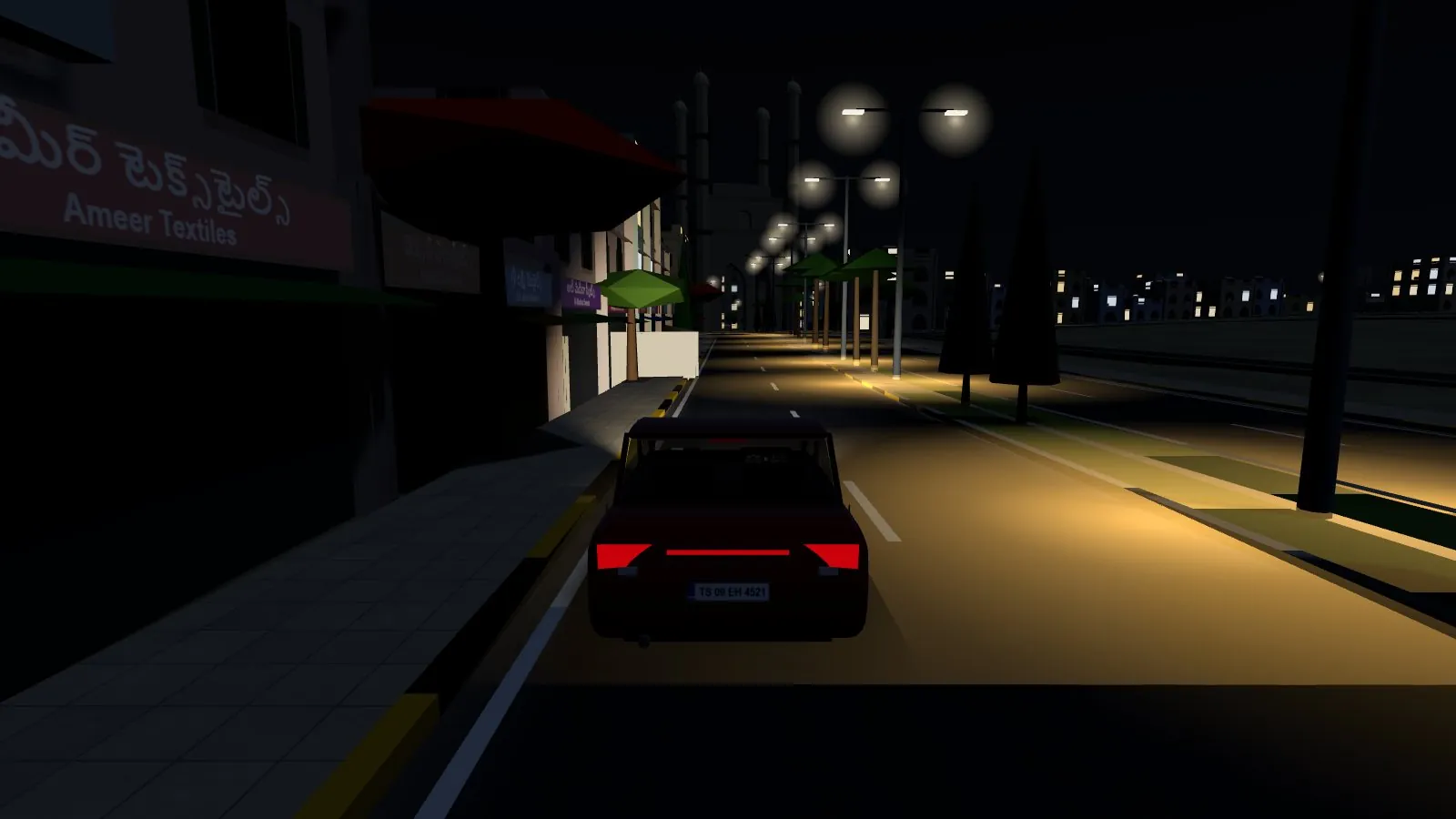
HITEC City to Jubilee Hills: driving the Durgam Cheruvu cable bridge, Road No. 45 and Road No. 36
Driving from HITEC City to Jubilee Hills over the Durgam Cheruvu cable bridge: lane choice, Inorbit Mall, Road No. 45, Road No. 36 signals and peak-hour tips.
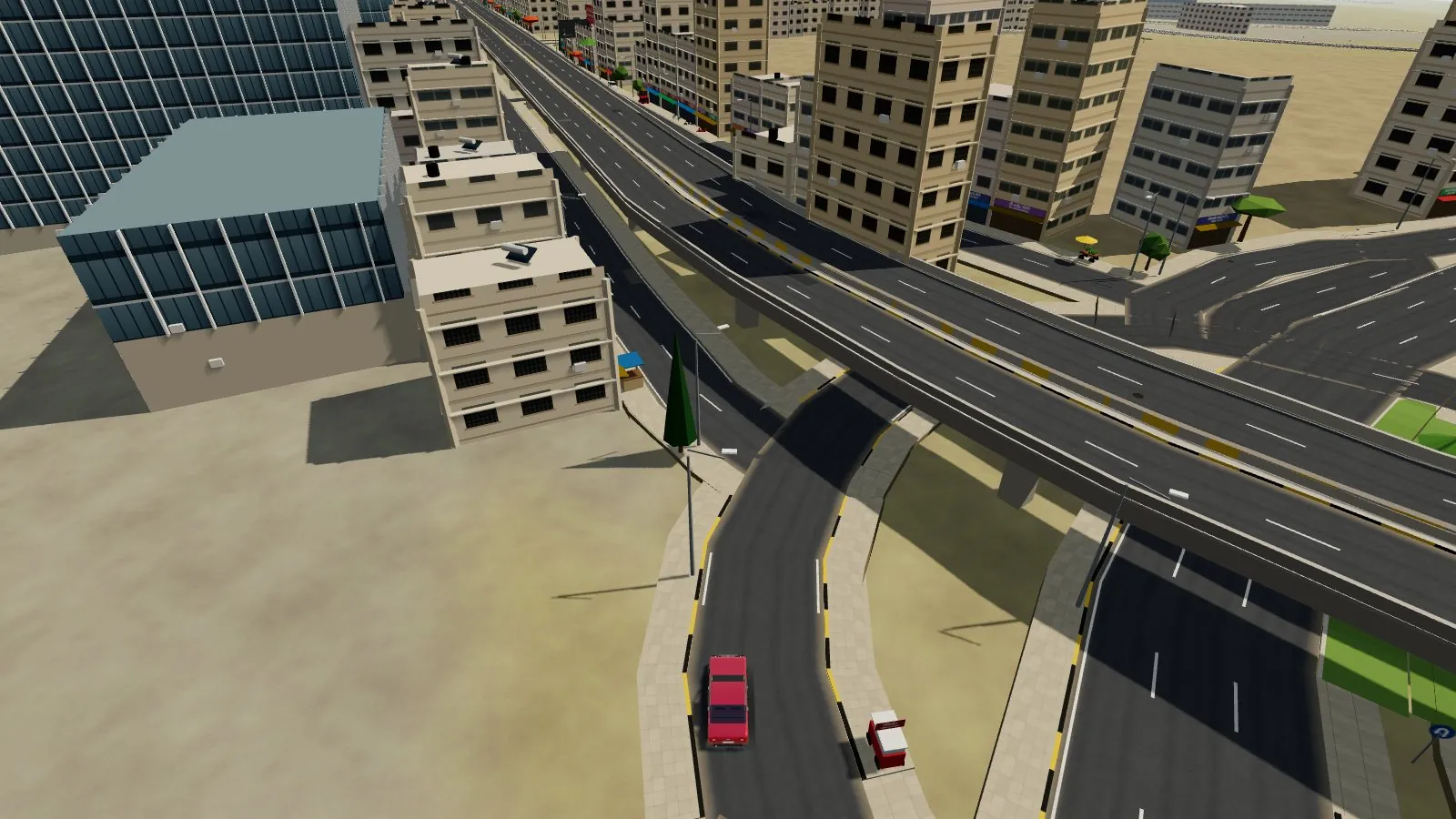
The drive from HITEC City to Jubilee Hills takes you from the Cyber Towers office district, past Inorbit Mall, across the Durgam Cheruvu cable bridge and along Road No. 45 and Road No. 36 to Jubilee Hills Checkpost. It is only about seven kilometres, but it packs in wide IT-corridor roads, lane choices before the bridge, and busy signals at the Jubilee Hills end.
This guide walks through the route section by section, explains when it is busiest and what to watch for, and shows how to rehearse it in Sawari, the free browser driving simulator on real Hyderabad roads.
The route, section by section
Cyber Towers and HITEC City Road
You start in the heart of HITEC City, by Cyber Towers, and head south along HITEC City Road. This is a wide divided road, several lanes each way, built for office traffic. You pass Cyber Gateway, the metro line overhead near Raidurg station, and the Mindspace junction. Signals here are big, multi-lane junctions where lanes for turning and going straight are separated early, so read the overhead signs and the road markings as you approach.
Inorbit Mall and the bridge approach
Near Inorbit Mall the route bears left onto Inorbit Mall Road. This is where traffic from the mall, from side roads and from the main road all meet, and where you need to be in the right lane for the approach to the bridge. Cabs pull in to pick up passengers, and drivers who have left their lane choice late cut across. Get into position early and hold it.
The Durgam Cheruvu cable bridge
The cable-stayed bridge over Durgam Cheruvu lake is one of the newer landmarks of Hyderabad. Its towers and fan of cables are striking by day, and at night the bridge is lit up in colour.
The drive across is short and straightforward, but the view draws attention. Some drivers slow down to look or take photos, so watch the brake lights ahead and keep a good gap. Do not stop on the bridge. The bridge has at times been closed to vehicles at weekends so that people can walk across it; check the latest advisories before planning a drive at those times.
Road No. 45 and Road No. 36 to Jubilee Hills Checkpost
On the Jubilee Hills side the route follows Road No. 45, a narrower road with openings in the median, past homes, restaurants and offices. The ground rises gently as you head east, in keeping with the rocky, hilly character of Jubilee Hills. A couple of turns bring you on to Road No. 36, a busy commercial road with the metro viaduct overhead, shops and showrooms on both sides and a run of signals. The route finishes at Jubilee Hills Checkpost, one of the busiest junctions in this part of the city.
When HITEC City to Jubilee Hills traffic is heaviest
This corridor follows office hours more closely than almost anywhere in Hyderabad. Weekday mornings and evenings, when people arrive at and leave the IT parks, are the busiest, and many offices work shifts, so traffic can build at unexpected times too.
Weekends are different rather than quiet. Office traffic drops, but Inorbit Mall, the restaurants on Road No. 36 and the cable bridge itself draw crowds, particularly in the evening. Rain slows everything down; see our monsoon driving guide.
Hazards on the cable bridge route
Late lane changes
Wide roads with lane choices and ramps tempt drivers into last-second moves across several lanes. Do not join them. If you find yourself in the wrong lane, carry on and find a safe way back rather than cutting across. Our guide to driving on flyovers in Hyderabad covers how to handle ramps and merges.
Cabs, shuttles and buses
Office cabs and company shuttles stop to drop and collect passengers, often near IT park gates and bus stops, and city buses pull in and out. Expect the vehicle ahead to stop suddenly, and check beside you before you pull out around it.
Two-wheelers and delivery riders
Bikes filter through queues at every signal and move between lanes on the open stretches. Delivery riders in a hurry are common around HITEC City and Road No. 36. Hold a steady line, signal clearly and look over your shoulder before changing lanes.
Signals on Road No. 36
The signals on Road No. 36 come one after another, and the junctions are busy with turning traffic. Stop at the line on red, do not speed up for amber, and watch for pedestrians crossing at the junctions and under the metro.
Median openings on Road No. 45
Vehicles slow in the right lane to turn or U-turn through the median. If a car ahead slows near an opening, assume it is turning.
Practical tips for the drive
- Know your lanes before you start. The trickiest moments are lane choices near Inorbit Mall and the turns towards Road No. 36. Check the route before you leave rather than while driving.
- Signal early. On wide roads, indicate well before you move, so drivers in other lanes have time to see it. See indicators and lane discipline.
- Follow the posted limits. Wide roads feel fast; the signs, not the traffic around you, set your speed.
- Enjoy the bridge as a passenger. The driver's job is the car in front.
- Allow time at peak hours. A short route can take a long time in office traffic, and rushing causes most mistakes.
Practise HITEC City to Jubilee Hills in Sawari
Sawari's Cyber Towers to Jubilee Hills route is a 7.4 km drive with ten turns: HITEC City Road, Inorbit Mall Road, the Durgam Cheruvu cable bridge, Road No. 45 and Road No. 36 to Jubilee Hills Checkpost. It is rated Medium, a good step up after the lakeside routes.
- Learn the route with little traffic. Follow the blue route band, which shows your lane, and turn on the spoken directions if you like hearing the next turn in advance.
- Practise your lane choice. Watch where the band leads before the bridge approach and get across early, with an indicator: Q for left, E for right. Turning without signalling is logged as a fault.
- Raise the traffic level. At Dense you will meet buses stopping, bikes filtering through gaps and queues at signals, much as you would on a weekday evening.
- Drive it at night. Choose the night setting to see the bridge, the street lamps and the vehicle lights. Switch your headlights on with L. Our night driving tips apply here too.
- Switch views with C. The chase view helps you learn the turns; the driver's seat is closer to the real thing. The car has no mirrors, so drag the mouse to look around before lane changes.
The debrief at the end gives you a score out of 100 and lists every fault with advice: red lights, speeding, missed indicators, drifting right of the centre line, going the wrong way on a one-way section, collisions and speed breakers taken too fast. Your best score on the route is saved in your browser. If you go wrong, press R to return to the route.
In the simulator vs the real road
The road layout, lane counts, flyover and bridge heights, signals and the gradients in Sawari come from OpenStreetMap and terrain data, and the bridge's towers stand where the real ones do. Much of the detail around them is estimated: building facades, the glass towers' exact shapes, speed breakers, U-turn openings, stalls, parked vehicles, hoardings and most street lamps are placed by rule. Signal timings are the game's own. The speed limit shown comes from map data and may not match the sign on the day.
Use the drive to practise habits, especially early lane choice and signalling, then follow the real signs, signals and traffic police on the road.
Frequently asked questions
Can you stop on the Durgam Cheruvu cable bridge to take photos?
Do not stop on the carriageway. Stopping on a bridge with moving traffic is dangerous and is not allowed. If you want to see the bridge up close, look for times when it is open to people on foot and follow the signs and traffic police.
How long does it take to drive from HITEC City to Jubilee Hills?
It depends almost entirely on traffic. The distance is only around seven kilometres, but office hours on HITEC City Road and signals on Road No. 36 can slow it down a great deal. Leave early and allow plenty of time at peak hours.
What is the hardest part of the drive?
For most people it is lane choice: getting into the right lane for the bridge approach near Inorbit Mall, and then handling the turns and signals around Road No. 36 and Jubilee Hills Checkpost in heavy traffic.
Can I practise this route before driving it?
Yes. Sawari has a free Cyber Towers to Jubilee Hills route over the cable bridge that runs in a browser on a phone, tablet, laptop or desktop. It is practice only and does not replace lessons.
Free in your browser on a phone, tablet, laptop or desktop. No download, no sign-up.
Sawari is a practice simulator. It does not replace lessons with a licensed instructor or the official RTA test. Always follow the signs, signals and traffic police on the real road.